01live · iPhone
Tellvo.app
Every SIP number you have, on one iPhone.
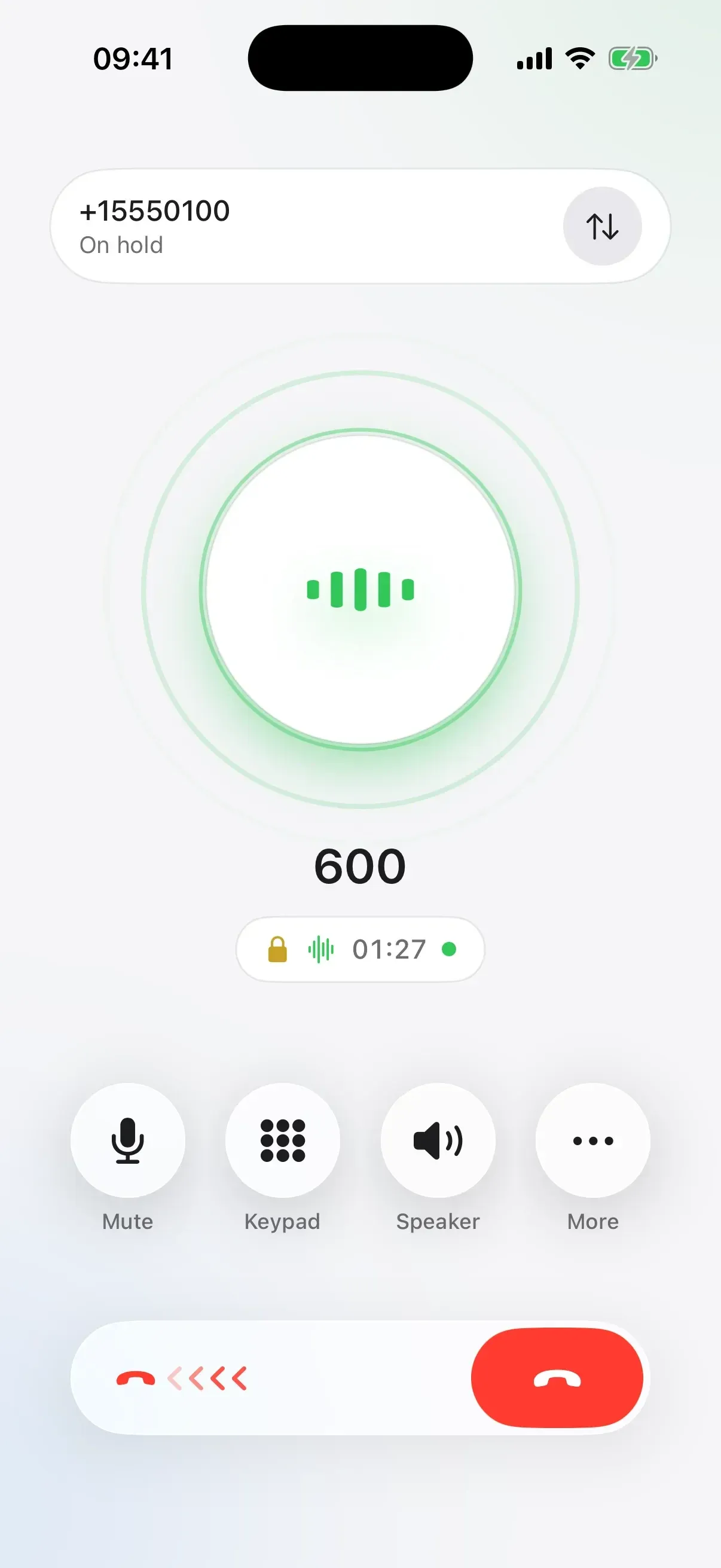
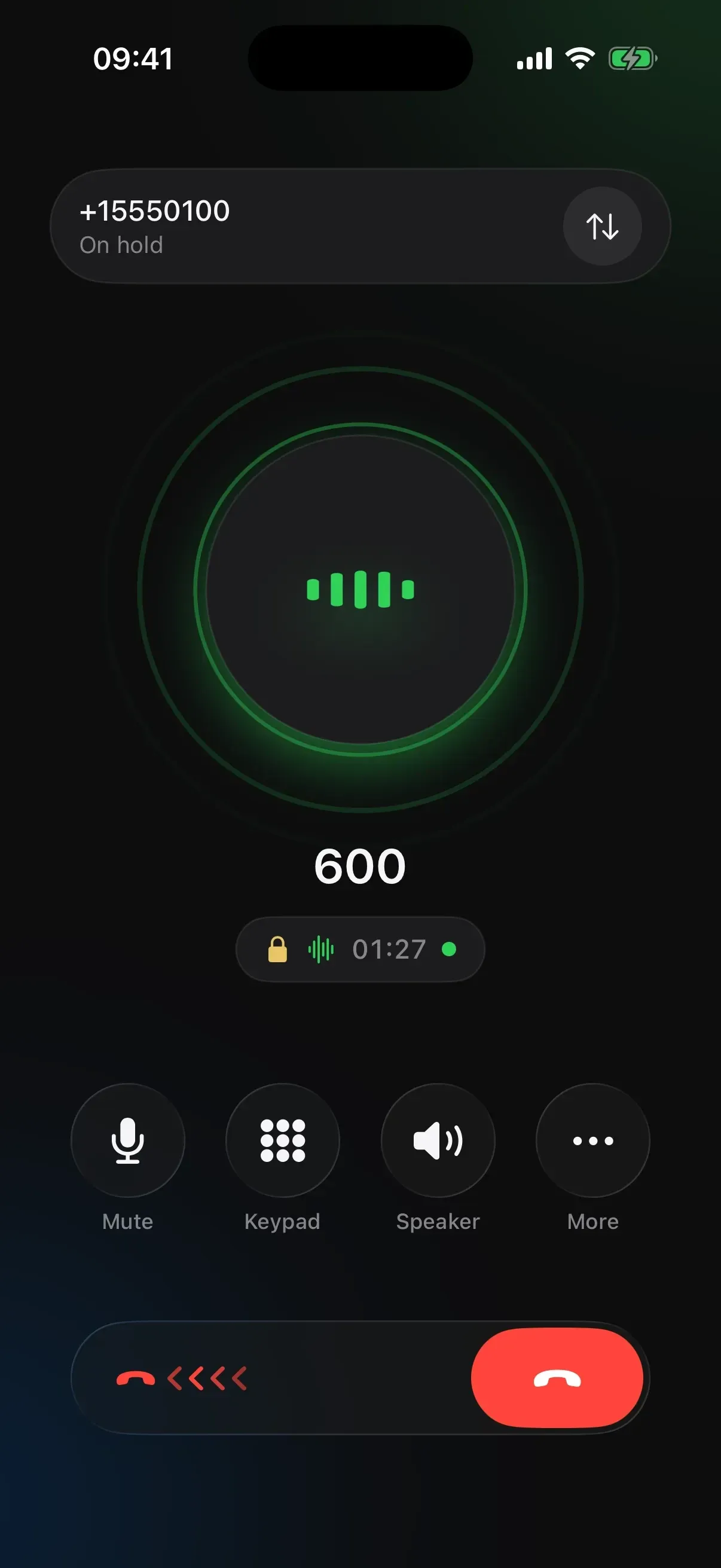
A SIP number usually lives on a desk phone or in a softphone that looks like a telecom control panel. This one works with any SIP provider or office phone system and makes those calls behave like the iPhone's own — the call screen, Recents, the Lock Screen, CarPlay, AirPods. And because SIP settings are miserable to type on a phone, you type them on a computer instead.
- Work and personal, one swipe apart
- Pick the line right above the keypad. A green dot means it’s online and ready to ring.
- Hold, swap, merge and transfer
- Put a call on hold to take the next one, and swap between them with a tap. Merge them into a three-way conference, or connect the two people and step out.
- Type your settings on a real keyboard
- Open setup.tellvo.app on your computer and scan the code. Your iPhone shows every change as you type, then tests the line for you.
iOS 17+ · Any SIP provider · CallKit · CarPlay · TLS + SRTP · Opus · G.722
tellvo.app ↗The whole story
02live · self-hosted
MakeKeeper
Workshop projects, materials and purchases.
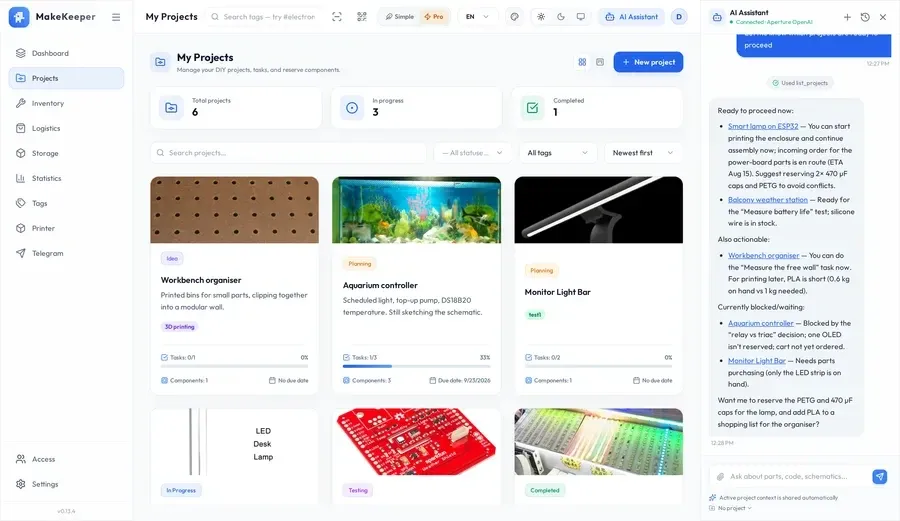
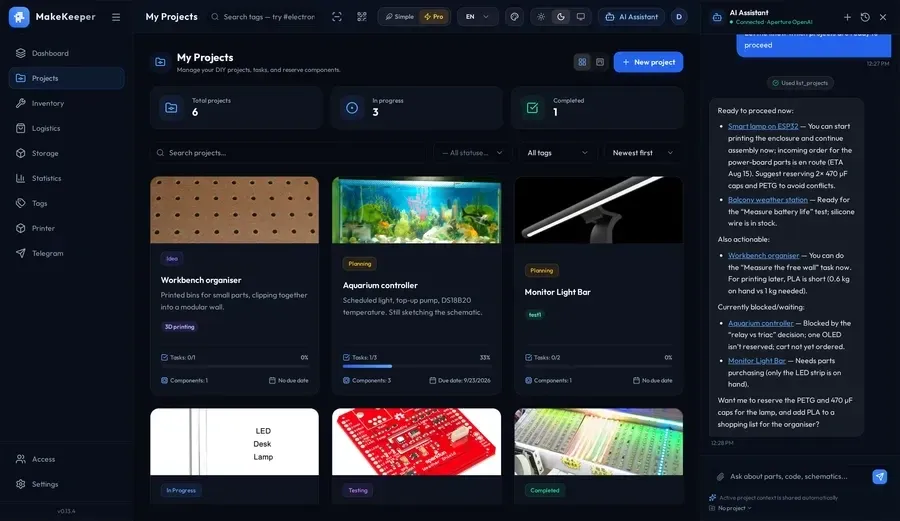
The parts are in a drawer, the plan is in a notebook and the order confirmation is in your inbox. This holds all three at once — a project knows which parts it is still waiting for, a drawer knows what is in it, and the difference between the two is the shopping list. It runs on your own hardware, so the workshop's memory stays in the workshop.
- The shopping list writes itself.
- Project plan minus stock = a ready list: what to buy, how much, for which step.
- Shortages surface before they stop your work.
- Stock is checked against project plans — you learn about gaps early, not mid-solder.
- Back after a month — you know what's next.
- Checklists keep the context: what's done, what awaits parts, what comes next.
Docker · PostgreSQL · arm64 · Raspberry Pi · Vue 3 · NestJS
makekeeper.app ↗The whole story
03live · iPhone
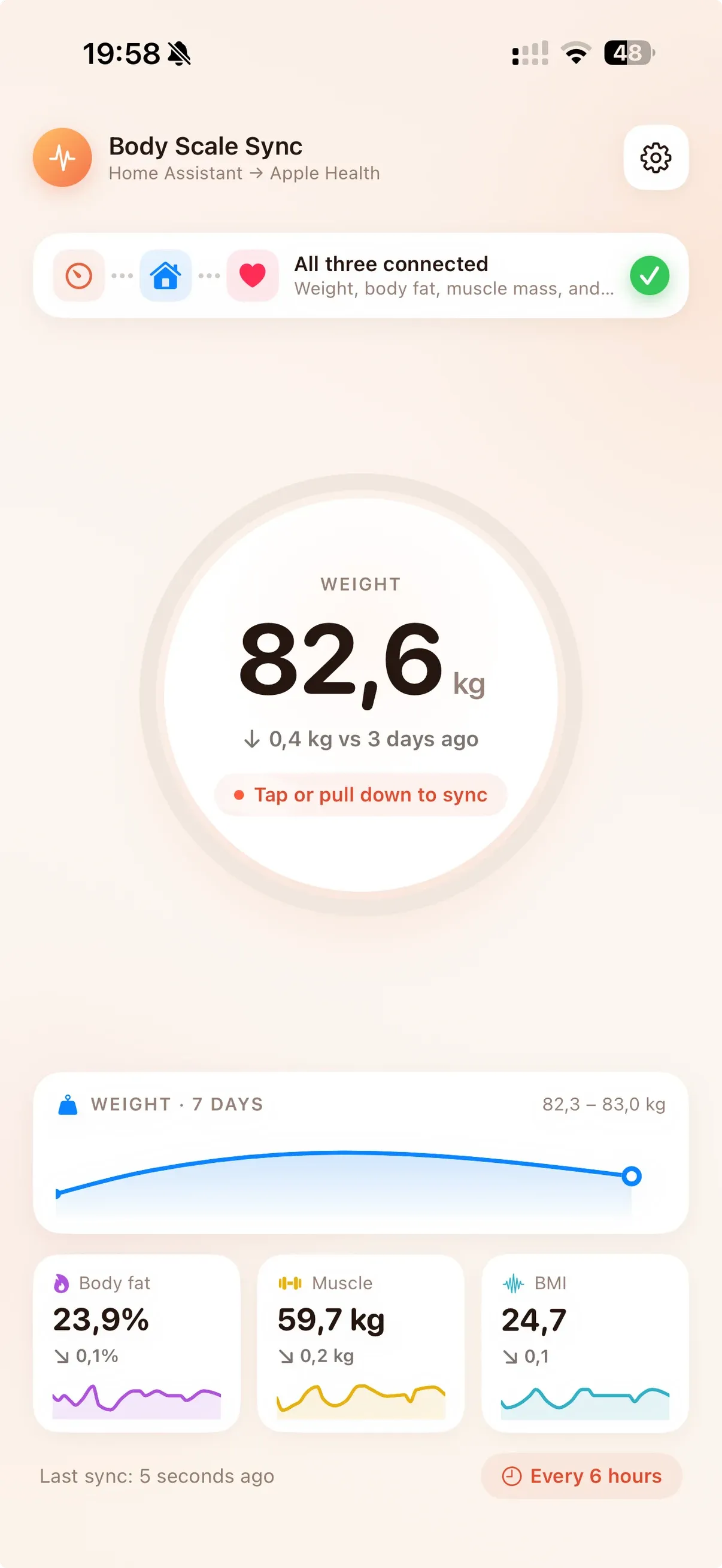
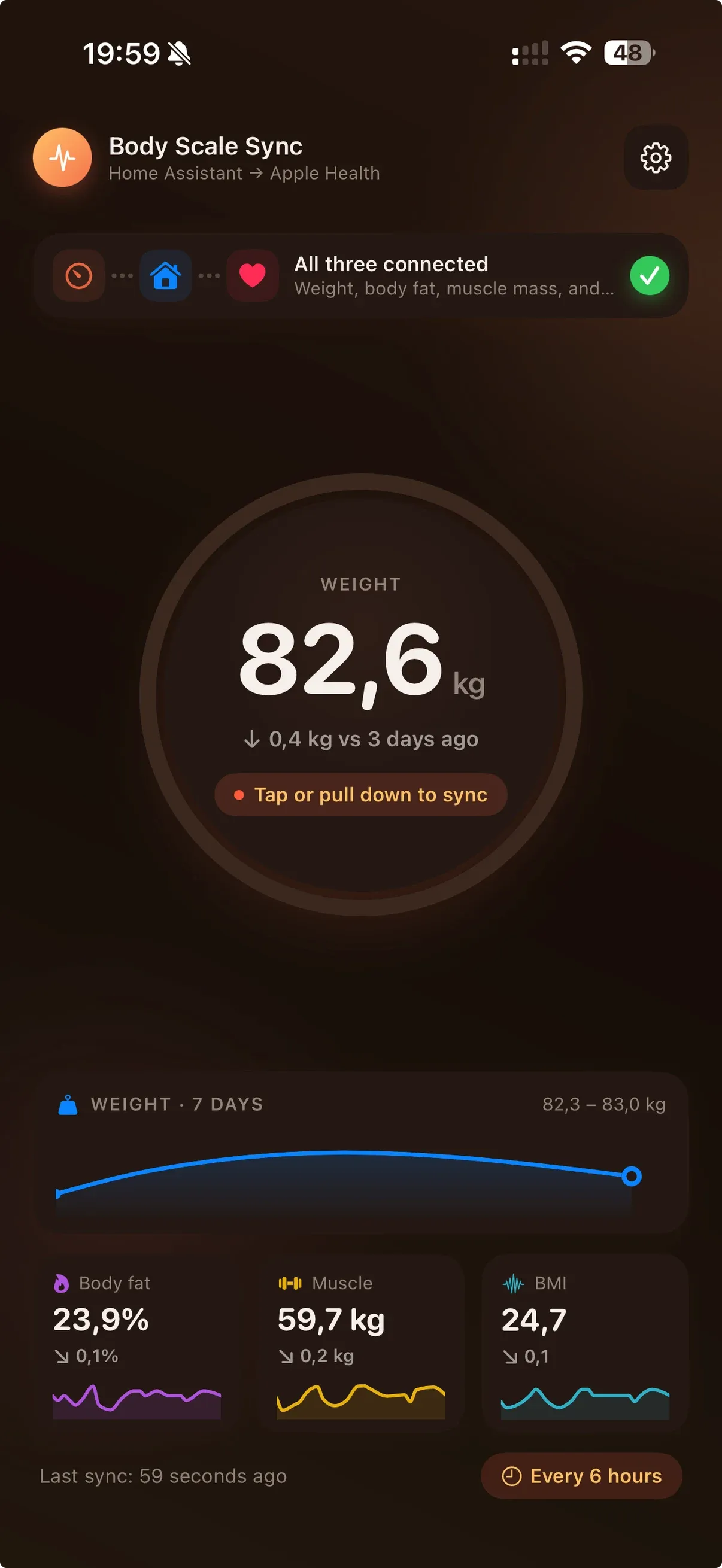
Body Scale Sync
Home Assistant scale readings, in Apple Health.
You already own the scale and already run Home Assistant. The readings sit in one place and the rest of your health data lives in another. This is the piece that moves them across — and the credential never leaves the device.
- Point it at your instance
- A local address or a public one. Sign in through Home Assistant, or paste a long-lived token.
- Confirm the entities
- It ranks the candidates for each measurement and shows you what it picked before writing anything.
- Then it keeps up
- New readings land in Health on their own. The same reading is never written twice.
iOS 18+ · Home Assistant · Apple Health
bodyscale.yapet.dev ↗The whole story